Creating high-quality videos and images quickly and efficiently can still be a major hurdle for many content creators and businesses. If you need a reliable AI-powered solution to simplify the creative process, Openart AI might just be the answer. This tool is designed to help users bring their visual content ideas to life with less hassle and professional results.
In this Openart AI review, we will explore its robust features such as AI video creation, powerful editing tools, flexible pricing plans, and an intuitive user interface. Whether you’re a marketer, influencer, or business owner, Openart AI positions itself as a comprehensive content creation software that can elevate your visual storytelling with ease.
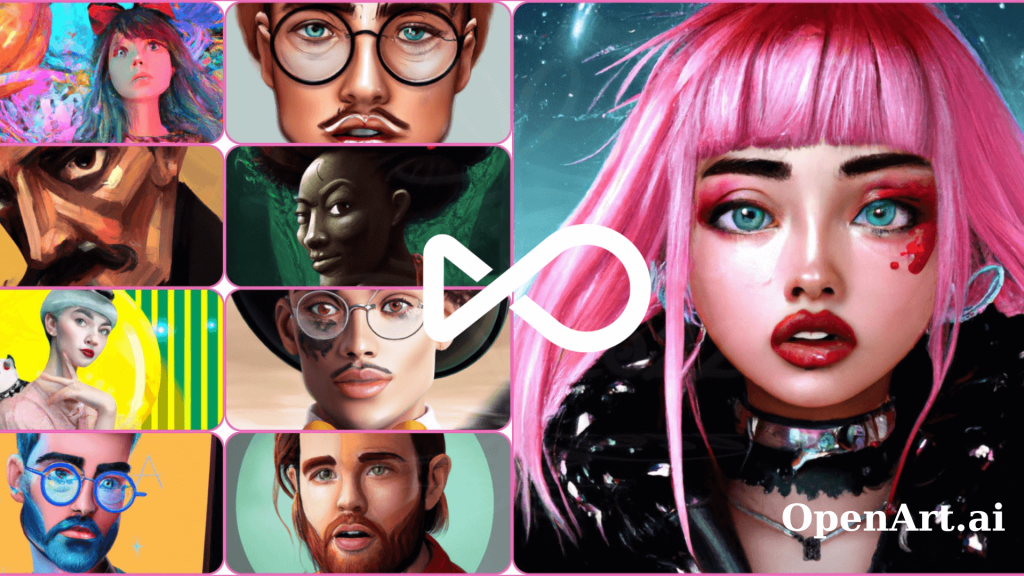
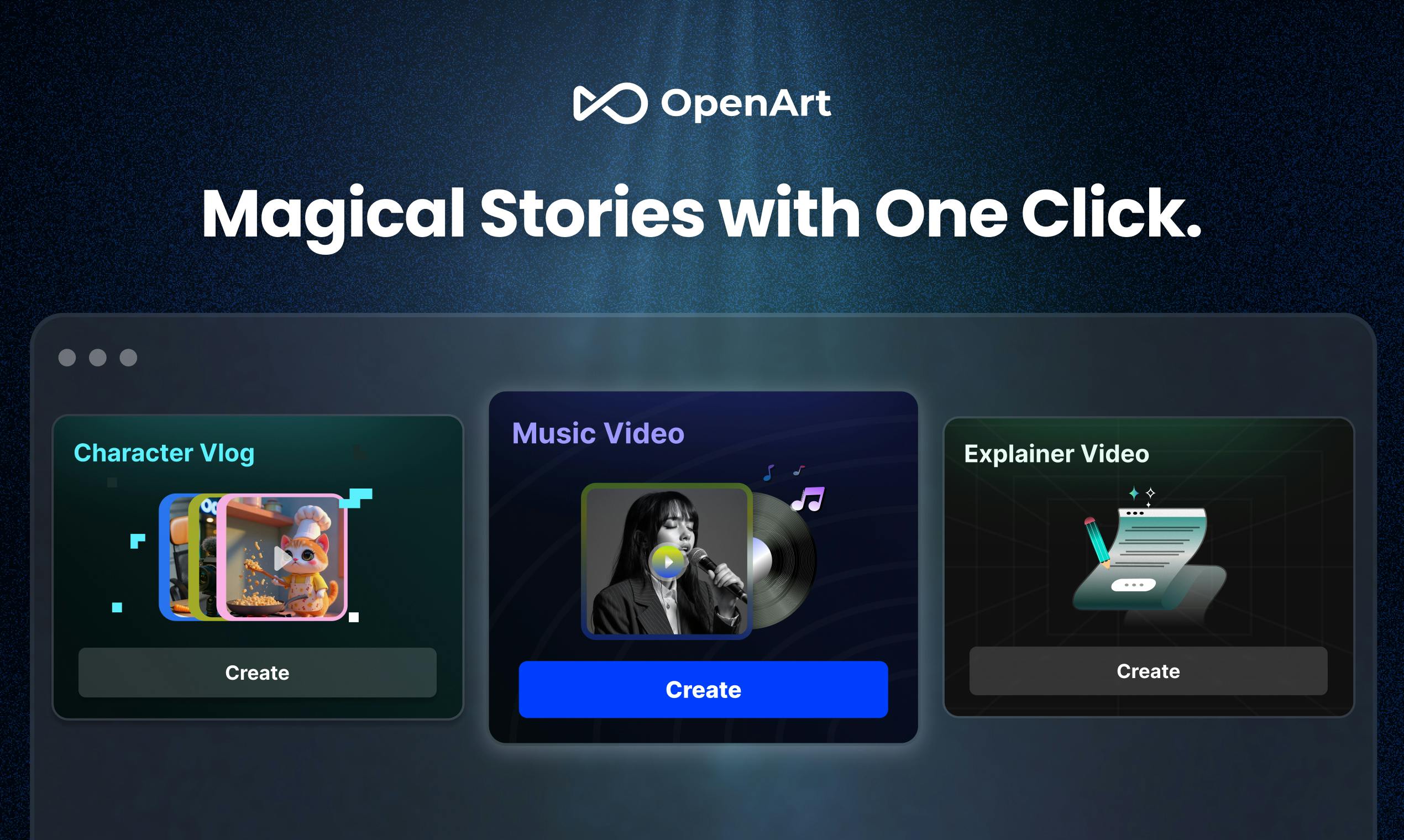
Openart AI is an innovative studio designed to simplify and empower the creation of video and image content through artificial intelligence. Its primary purpose is to provide creators, marketers, and businesses with an accessible platform to produce professional-quality visuals without requiring advanced technical skills. At its core, Openart AI offers a variety of powerful tools including AI video creation, advanced image generation, and intuitive editing features. Users can bring ideas to life with customizable video templates, frame-level video editing, and the ability to generate images with precise detail. These functionalities support diverse creative needs, from product ads and social media content to brand films and explainer videos. What makes Openart AI stand out is its seamless integration of AI technologies that elevate content quality while streamlining the editing workflow. Features like motion sync, lip-sync for videos, and layered image editing help creators achieve intricate results with less effort. Whether you are a small business owner or a content creator looking to boost engagement, Openart AI offers a flexible, user-friendly experience you can explore on their official website.
Openart AI stands out with its powerful core features designed to elevate both video and image creation. Its AI-powered video editing capabilities, particularly through Seedance 2.5 and MiniMax H3 Max models, allow frame-level control, giving creators precise manipulation for up to 30-second videos. This level of detail empowers you to tailor content exactly as envisioned, whether for ads, social media, or storytelling. On the image generation front, Openart AI offers advanced tools like GPT Image 2.5 and Flux 3 Image, delivering creations up to 4K quality. These tools enable fast, smart image edits and generation with impressive consistency and precision, perfect for producing high-resolution visuals that stand out. Beyond the basics, Openart AI includes specialized features such as lip-sync for videos, background replacement, motion sync, and multi-language dubbing. These tools streamline complex production steps, allowing content creators to produce professional-grade results without needing multiple software or technical expertise. If you want to experience how these features can transform your creative workflow, consider trying the Openart AI free trial.
Openart AI offers three distinct subscription tiers designed to suit different levels of creative needs: Starter, Pro, and Enterprise. Each plan scales in terms of video length limits, access to AI models, and tool availability, making it straightforward to choose based on your project requirements and budget. The Starter plan is ideal for beginners and small projects, providing limited video lengths and basic model access with essential AI-powered video editing tools. Pro users get extended video length allowances alongside a broader range of AI models, including advanced features like frame-level editing and motion sync, perfect for content creators aiming for higher production value. Enterprise subscribers benefit from unlimited video lengths, access to the full suite of cutting-edge AI models, and priority support—tailored for businesses and professional studios demanding top-tier performance. Additionally, Openart AI frequently provides discounts, free credits upon signup, and trial options to help new users explore the platform affordably before committing. These offers make it easier to test out Openart’s powerful AI video creator features without immediate investing. If you want to see the latest Openart subscription plans and start for free, it’s worth checking out their official website. Also, you might want to look for any available exclusive deals to save on your purchase.
Openart AI stands out with its user-friendly interface, making it accessible even for beginners who want to create impressive videos and images quickly. Its powerful AI models deliver high-quality results that cater to various needs, from marketing content to social media posts. The platform offers versatile templates designed specifically for social media ads and different video formats, helping creators save time without sacrificing creativity. On the downside, users aiming for more advanced editing features might face a slight learning curve, as mastering these tools takes time and practice. Additionally, the subscription pricing may be a factor to consider depending on your budget and how extensively you plan to use the software. Still, Openart AI’s value is clear when you consider the efficiency and professional polish it brings to your projects. If you want to explore how Openart AI can boost your content creation workflow, it’s worth checking out their official website and exploring their collection. Before subscribing, you might want to look for exclusive deals that could offer you savings and better value.
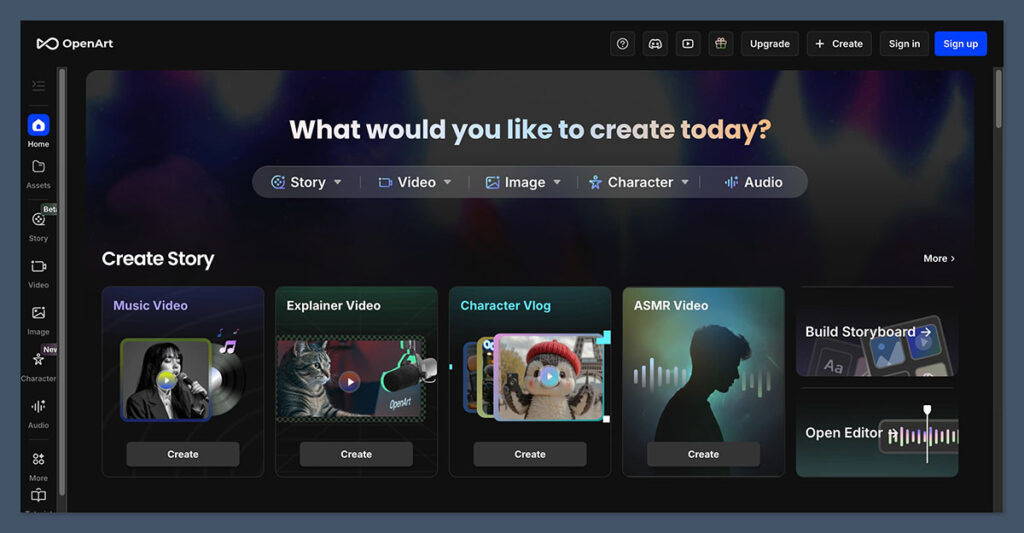
Getting started with Openart AI is straightforward. Begin by setting up your account on the official website, where you can choose your preferred sign-in method, including Google or Apple. Once logged in, the Openart user interface welcomes you with a clean, intuitive dashboard featuring tabs for Agents, Tools, and Assets, making navigation seamless for beginners. Creating your first video project is simplified through the use of Openart’s AI-powered video templates and agents. Select from diverse templates designed for product ads, social content, or short films. By engaging an AI agent, you can automate much of the creative process—just type in your concept, and watch as the AI generates tailored visuals and sequences that align with your vision. This approach is perfect for newcomers who want quick, professional results without steep learning curves. The editing workflow in Openart AI is robust yet beginner-friendly. You can apply layers to add depth and complexity, utilize lip-sync features to match dialogue accurately, or swap backgrounds to instantly change a scene’s atmosphere. After refining your project to satisfaction, export the final output in various formats optimized for social media or presentations. This step-by-step editing process ensures your content looks polished and engaging, standing out in any digital space. For more detailed guidance, you might find the step-by-step AI video editing tutorials very helpful to deepen your skills and save on your purchase with some exclusive deals.
Openart AI is tailored to a diverse range of users, making it a versatile AI video creator and image generation tool. Content creators and social media marketers benefit greatly from its ability to quickly produce professional-quality videos and visuals, perfect for engaging audiences without lengthy editing times. For example, a social media manager can effortlessly create eye-catching promotional content using Openart’s ready-made video templates tailored for advertisements and posts. Small businesses and startups find Openart AI especially valuable due to its affordable pricing and extensive features. These users can create compelling video ads and promotional visuals without the need for expensive production teams, enabling them to boost brand visibility effectively on tight budgets. Additionally, filmmakers and advertisers who require advanced control appreciate Openart’s AI-directed video production capabilities, which allow fine-tuning of scenes and effects with intuitive tools, ideal for crafting polished videos with creative precision. Whether you are just launching your brand or managing a creative agency, Openart AI’s scalable features help elevate your content and save time. If you want to explore its full potential, consider signing up at the official website and start creating today. Also, it’s worth looking for exclusive deals to save on your purchase before you dive in.
Before you make your final decision, it might be worth checking if there are any active deals or discount codes available — a little extra savings never hurts.What is Openart AI? An Overview of the Studio for Video & Images
Exploring Openart AI’s Core Features and Tools
Openart AI Pricing and Subscription Plans Explained
Pros and Cons of Using Openart AI for Video and Image Creation
Features
Pros
Cons
Ease of use
Intuitive interface suitable for beginners
Advanced editing requires time to learn
AI Models
High-quality video and image generation
May need familiarization with AI tools
Templates
Wide variety tailored for social media and ads
Limited free options; subscription needed for full access
Pricing
Subscription plans flexible for different users
Subscription cost might be a consideration for some
How to Use Openart AI: Step-by-Step Guide for Beginners
Who Should Use Openart AI? Ideal Users and Use Cases