Are you searching for an efficient and versatile AI video creation software that also excels at image generation? Openart AI offers an all-in-one creative studio, combining the power of an AI video editor and an AI image generation tool to accommodate creators of every skill level. Whether you’re crafting dynamic videos or stunning visuals, this platform aims to simplify and accelerate your creative process.
In this Openart AI review, we’ll explore standout features such as the advanced Seedance 2.5 model for detailed video editing, the fast and precise GPT Image 2.5 for image creation, and flexible pricing plans designed to fit different budgets. Additionally, we’ll highlight practical use cases like producing compelling product advertisements and designing striking film posters, helping you determine if Openart AI fits your creative needs.
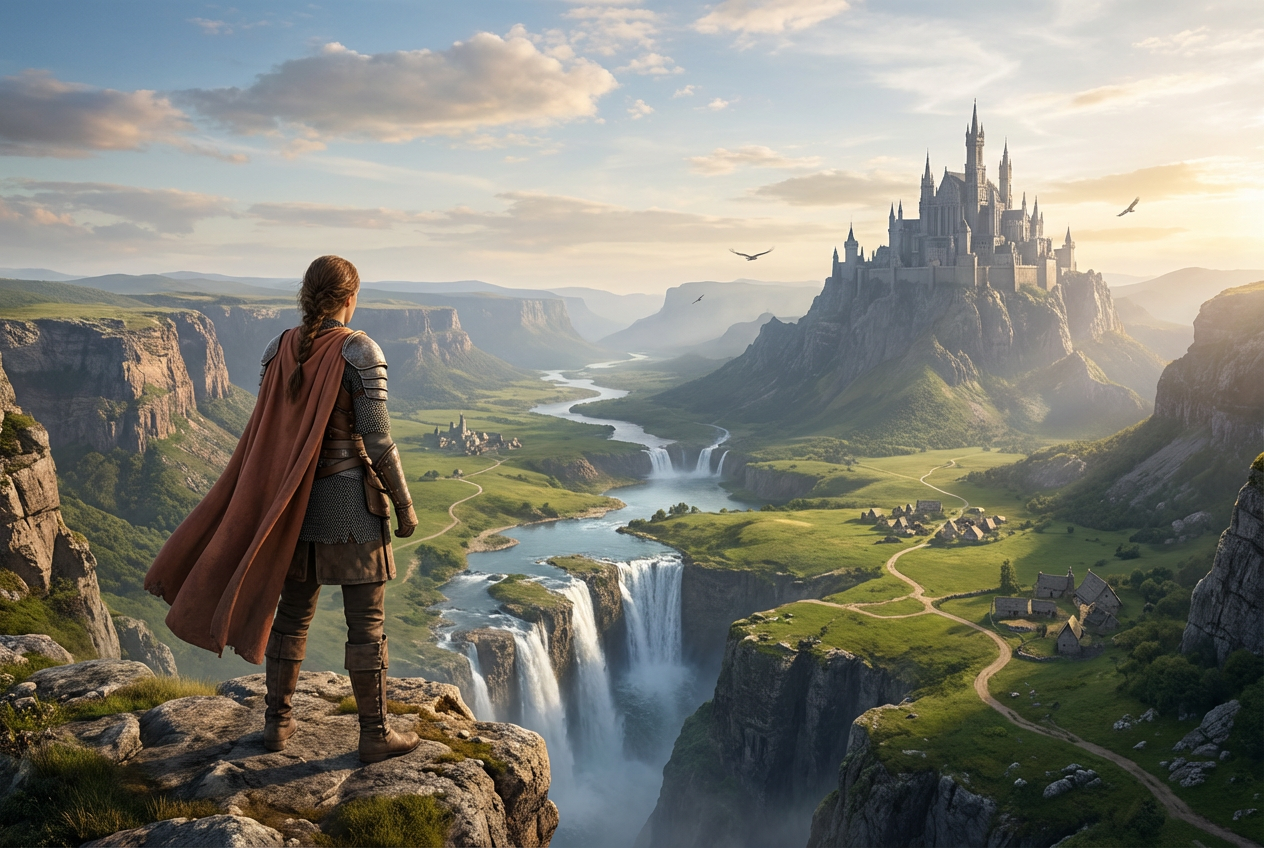
Openart AI is a comprehensive creator studio designed to simplify and enhance the process of producing both videos and images using artificial intelligence. It provides a versatile platform where users can generate high-quality visual content through intelligent automation, perfect for creators aiming for professional results without needing advanced technical skills. At the core of Openart AI are five powerful tools: Video, Image, World, Character, and Audio. These enable users to craft videos, generate images, design immersive virtual worlds, create unique characters, and fine-tune audio tracks—all within one intuitive interface. For example, you can easily create a short film by directing an AI video editor that supports frame-level edits or produce stunning film posters using AI image generation tools. The user interface is tailored for both beginners and pros, combining ease of use with robust functionality. Beginners benefit from straightforward templates and guided workflows, while advanced users can dive deeper into custom settings and utilize state-of-the-art models like Seedance 2.5 and GPT Image 2.5 for precise, high-resolution output. This balance makes Openart AI a go-to for anyone from hobbyists to professional filmmakers. To explore how AI video creation software can fit your needs, you might want to check their exclusive deals before getting started.
Openart AI stands out with a powerful suite of AI models designed to elevate your video and image creation experience. At its core, the Seedance 2.5 model provides frame-level editing that ensures every detail in your 30-second videos is captured with exceptional clarity. This makes it ideal for creators who demand the highest quality and precision in their short films or marketing content. For image editing, GPT Image 2.5 offers smart, multi-turn editing that works fast to refine visuals while maintaining creative flexibility. Whether tweaking film posters or product ads, this model keeps your workflow efficient without sacrificing quality. When it comes to ultra-high definition output, the combination of MiniMax H3 Max and Flux 3 Image excels at generating and editing 4K videos swiftly, perfect for social media campaigns or brand films requiring sharp, professional visuals. Openart AI also packs advanced video editing capabilities including lip-sync, motion synchronization, background replacement, and VFX masking. These tools allow seamless dubbing, scene swapping, and special effects, enabling creators to produce polished content without intricate manual editing. Considering all these features, Openart AI offers a comprehensive, intuitive platform for both beginners and seasoned creators. You can try Openart AI free with your credits now and explore how these models enhance your projects.
Openart AI welcomes new users with a generous set of free credits, making it easy to dive into AI video and image creation without any initial cost. These credits allow you to explore the platform’s core features, test different AI models like the Seedance and GPT Image 2.5, and get a feel for its capabilities before committing to a plan. When it comes to paid plans, Openart AI offers several tiers tailored to various levels of usage. Subscription options range from casual to professional creators, each with clear usage limits and attractive discounts—especially notable are deals offering up to 50% off on Seedance AI models. This structure ensures flexibility whether you’re working on quick social media clips or detailed 4K film projects. Compared to other AI video and image creators, Openart AI stands out for its cost-effectiveness. The subscriptions offer generous usage limits combined with advanced AI models like MiniMax H3 Max and Flux 3 Image, delivering high-quality output without bloated prices. This blend of affordability and high-end features makes it a smart choice for creators who want professional results on a budget. If you’re interested in exploring Openart AI’s pricing more closely, it’s a good idea to visit their official website and see which plan fits your needs. Also, you might want to check for any available exclusive deals or discount codes before subscribing to get the best value.
Openart AI shines with its ability to produce high-quality 30-second videos that pack impressive detail and polish. Its extensive range of AI models, including options like Seedance 2.5 and Flux 3 Image, offers users diverse creative pathways to generate both videos and images effectively. Coupled with a robust suite of editing tools, Openart empowers creators to fine-tune their projects, making it an excellent choice for users looking for both versatility and depth in an AI video creation software. On the flip side, Openart AI does involve a learning curve, especially when diving into its advanced features, which might require some initial time investment to master. Additionally, its pay-as-you-go credits system could be a consideration for budget-conscious users, as each extra feature or usage consumes credits individually. However, these downsides are relatively minor when compared to the significant time savings and creative flexibility the platform delivers. Overall, the minor hurdles are outweighed by the benefits of swift, high-quality content production and a wide creative scope. Whether you are producing short films, product ads, or social content, Openart AI’s tools and models provide a powerful, streamlined experience. For those interested, it is worth exploring the latest discount codes to save on your purchase and maximize value when signing up through their official website.
Getting started with Openart AI is straightforward and beginner-friendly. First, sign up on the official website using your email or social accounts like Google or Apple. Upon registration, you’ll receive free credits that let you explore and create without immediately committing financially, making it an excellent way to test the platform’s capabilities without pressure. Once logged in, you can create your first project by choosing from a variety of templates and AI agents tailored for different needs, such as short films or product advertisements. This approach helps you hit the ground running because these templates come pre-configured with styles and assets relevant to your project goal, allowing you to customize without starting from scratch. Editing your video on Openart AI is intuitive with frame-level control, providing the precision needed for fine-tuning visuals. A standout feature is the AI-powered voice dubbing that supports lip-syncing, ensuring your audio matches the characters’ mouth movements perfectly. For example, you can create a polished product ad where the narrator’s voice aligns seamlessly with on-screen visuals, enhancing professionalism and engagement. Ready to dive in? Start your first project on Openart AI today and explore how its powerful tools simplify AI video creation for beginners.
Openart AI is ideal for a diverse range of users who want to harness the power of AI for creative video and image production. Content creators seeking the best AI tools for video creation will find it an invaluable platform. Whether you’re producing short films, music videos, or social media clips, Openart AI offers intuitive controls and powerful models like Seedance 2.5 that streamline the entire process. Marketers aiming to produce AI-powered product ads and brand films efficiently can also benefit greatly. Openart AI simplifies the creation of engaging promotional videos, helping brands craft high-quality visuals quickly without a steep learning curve. Additionally, filmmakers and designers who need fast generation of film posters and explainer videos will appreciate its image editing and video generation features, which reduce turnaround time and enhance creativity. The platform’s versatility extends to professionals at every skill level, from beginners experimenting with AI-generated content to seasoned creatives looking to accelerate their workflow. For those interested, exploring other AI tools for social content creation can provide complementary solutions to boost your visual storytelling. FAQ Highlights: Openart AI stands out as a comprehensive AI video creation software and AI image generation tool with powerful models like Seedance 2.5 and GPT Image 2.5. Whether you’re a beginner or a professional, its features and flexible pricing plans make it a compelling choice to accelerate your creative projects. Ready to elevate your content? Consider signing up on the official website and claim your free credits to start creating high-quality videos and images effortlessly!
Before you make your final decision, it might be worth checking if there are any active deals or discount codes available — a little extra savings never hurts.What Is Openart AI and How Does It Work?
Key Features and AI Models Powering Openart AI
Openart AI Pricing Plans Explained
Plan
Monthly Credits
Seedance Model Discount
Ideal For
Starter
50 credits
10%
Beginners, hobbyists
Pro
200 credits
30%
Regular content creators
Enterprise
Unlimited
Up to 50%
Professional studios
Pros and Cons of Using Openart AI for Video and Image Creation
How to Use Openart AI: Step-by-Step Tutorial for Beginners
Who Should Use Openart AI? Ideal Use Cases and Audience