

Struggling to create photorealistic architectural renders quickly and efficiently? Rendair AI is crafted specifically to help architects streamline the visualization process, speed up client approvals, and elevate design presentations effortlessly.
This Rendair review dives into the AI-powered rendering capabilities, the unique Rendair Chat AI feature, upscaling options, video animation tools, pricing plans, and showcases practical use cases that make it an essential assistant for architectural professionals and designers alike.
Rendair AI is a dedicated AI workspace tailored specifically for architects to streamline the architectural rendering process. It serves as an all-in-one platform where architects can quickly visualize concepts, refine designs, and generate high-quality photorealistic renders without the usual complexity. One of the main advantages of Rendair AI lies in its ability to accelerate concept visualization, allowing architects to produce compelling visuals in a fraction of the time traditional rendering tools require. This speed facilitates smoother client communication, as architects can easily show multiple design options and get feedback faster, ultimately speeding up project approvals. Rendair supports a wide range of input formats and integrates seamlessly with popular 3D modeling software such as SketchUp and Revit. This compatibility ensures that architects can continue working within their familiar ecosystems while leveraging Rendair’s powerful AI features to enhance renders, upscale images, and even create dynamic video animations. For architects looking to explore more about architectural rendering tools, detailed information can be found in our architectural rendering software guide. If you want to experience these benefits firsthand, you can check out Rendair’s official website to learn more about how it can elevate your architectural visualization workflow.
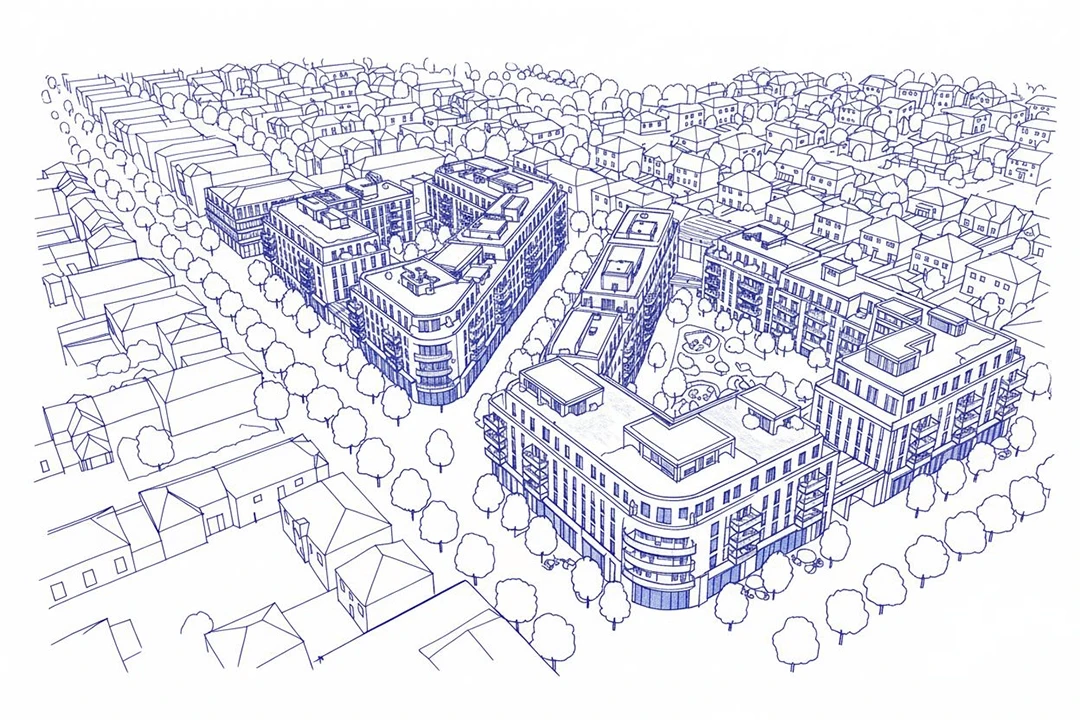
In this Rendair review, one of the standout core features architects appreciate is Rendair Chat, an intuitive natural language interface that allows easy generation and editing of renders. Instead of navigating complex menus, users simply describe desired changes or new render ideas in plain English, streamlining the creative process. For example, an architect can quickly instruct the AI to adjust lighting or swap a material without restarting the project, saving valuable time. Create & Render is another highlight, transforming sketches and 3D models into photorealistic images almost instantly. This feature empowers architects to bring concepts vividly to life from early design stages, whether starting from hand drawings or detailed models. Moreover, the Edit & Adjust tool lets users make seamless tweaks to materials, lighting, or objects after rendering, without losing previous work. To ensure presentation-ready visuals, Upscale & Enhance sharpens and clarifies images, enhancing details crucial for client approvals. Additionally, Rendair’s Video & Animate function converts static renders into cinematic walkthroughs, giving clients immersive views of architectural projects in motion. These features make Rendair AI a versatile architectural rendering software worth exploring at its official website.
Rendair offers flexible subscription plans designed to cater to architects at various career stages and firm sizes. Users can typically choose from tiered monthly or annual subscriptions, often accompanied by a free trial period that allows testing of core features like photorealistic rendering, render editing, and video animation. This trial gives architects a risk-free opportunity to explore Rendair’s capabilities before committing financially. For solo architects or small studios just starting to adopt advanced rendering tools, Rendair’s pricing provides excellent value, enabling quick concept visualization without hefty upfront costs. Mid-sized firms benefit from scalable plans that support collaborative workflows and volume rendering needs, while large practices appreciate enterprise options that integrate smoothly with existing 3D software workflows. Compared to traditional rendering software investments—often requiring expensive hardware and licenses—Rendair’s subscription model lowers barriers to entry and ongoing costs, making high-quality architectural visualization more accessible. If you’re serious about enhancing your design presentations, it’s worth checking out Rendair’s current pricing and signing up to experience its AI-rendering features firsthand.
Rendair AI rendering software stands out with its remarkable speed and ease of use, making it an ideal choice for architects looking to accelerate their design process. The AI-assisted editing tools streamline adjustments, allowing for quick iterations without the need to start from scratch. Its versatility is notable—whether you’re turning sketches into photorealistic visuals or animating walkthrough videos, Rendair adapts fluidly to different project needs. Plus, integration capabilities with popular 3D modeling applications ensure it fits naturally into your existing workflow. On the flip side, some users encounter a mild learning curve when first using Rendair’s Chat AI feature, especially adapting to natural language editing commands. Additionally, integrating Rendair fully may require tweaking current processes to mesh with the software’s AI-driven approach. However, many architects appreciate how this investment pays off by significantly improving client workflows and speeding up project turnaround times. User testimonials commonly highlight the enhanced creative freedom and efficiency brought by Rendair, with professionals praising its impact on refining and presenting architectural concepts. Many architects share positive feedback, emphasizing how Rendair dramatically improves client interactions through faster approvals and stunning visuals. For example, design firms report that what used to take days now happens within hours, thanks to the AI-assisted editing and upscaling features. If you want to learn more about how Rendair stacks up among other architectural tools, consider exploring the best AI rendering tools for architects. Overall, Rendair AI is a powerful assistant for architectural visualization, balancing cutting-edge technology with practical usability. If you’re ready to enhance your rendering workflow, check it out on the official website, and it’s worth looking for exclusive deals to make your investment even smarter.
Getting started with Rendair AI is straightforward. First, set up your workspace by importing your existing 2D drawings or 3D models directly into the platform. Whether your files come from SketchUp, Rhino, Revit, or ArchiCAD, Rendair seamlessly integrates them, letting you begin your rendering process without any hassle. This quick setup saves valuable time, allowing you to focus on design rather than technicalities. Once your designs are imported, use Rendair’s main tools to create photorealistic renders in seconds. The AI-powered rendering assistant transforms your models into striking visuals with accurate lighting, textures, and shadows. For example, you can instantly switch between different materials or lighting moods to showcase multiple design options to clients with ease. This capability significantly accelerates project approvals. Next, Rendair lets you edit and upscale renders effortlessly for client presentations. Whether refining small details or enhancing image resolution, the intuitive editing tools make adjustments quick while keeping visuals crisp. Many architects appreciate how easy it is to produce sharp, presentation-ready images without needing advanced graphic software. Finally, to truly impress clients, take advantage of Rendair’s video animation features. Convert static renders into smooth walkthrough animations that bring projects to life dynamically. This feature is ideal when pitching complex designs or presenting spatial narratives that static images alone can’t convey. You can find all these features conveniently accessible on the official website, making Rendair an all-in-one architectural rendering software that streamlines your workflow from start to finish. If you want to see Rendair in action before committing, don’t hesitate to book a demo—it’s a great way to experience how this tool can transform your architectural visualization process.
Rendair AI is ideal for solo architects and small design studios who need to rapidly develop concepts and present polished visuals to clients. Its intuitive interface allows these users to turn sketches or 3D models into photorealistic renders quickly, saving them time on iterations. For example, a freelance architect can explore multiple design variations on a tight deadline, impressing clients early in the process without hiring additional help. Meanwhile, larger architectural firms benefit from Rendair AI’s ability to streamline collaboration and speed up client approvals. By integrating smoothly with popular 3D tools like SketchUp, Rhino, or Revit, teams can share renders seamlessly across departments. This accelerates feedback cycles and helps meet project milestones faster, which is crucial when working on complex developments or tight schedules. Additionally, interior designers and architectural photographers can leverage Rendair’s versatility to enhance their presentations with creative editing, upscaling, and video animation features. Whether showcasing lighting changes or creating compelling walkthrough videos, these professionals gain a powerful tool to communicate their vision effectively. For a deeper dive into other useful platforms, you might want to explore our architectural visualization tools overview. Overall, Rendair AI stands out as a comprehensive, user-friendly rendering assistant that accelerates architectural visualization and client approvals. Whether you’re a solo architect or part of a large firm, its AI-powered tools bring your concepts to life with impressive photorealism and creative flexibility. Ready to experience seamless rendering? Try Rendair AI today with their free trial and elevate your design presentations to the next level.
What Is Rendair AI and How Does It Enhance Architectural Rendering?
Exploring Rendair Review: Core Features That Architects Love
Rendair Pricing and Plans: What to Expect

The Pros and Cons of Using Rendair AI Rendering Software
Feature
Pros
Cons
Speed
Rapid render generation saves time
None significant
Ease of Use
Intuitive interface, user-friendly
Learning curve with AI chat commands
Versatility
Supports photorealistic renders, video, and editing
May require workflow adaptations
Integration
Works well with common 3D software
None significant
How to Use Rendair AI: A Step-by-Step Guide for Architects
Who Should Use Rendair AI: Ideal Users and Use Cases