Struggling to find an efficient, all-in-one AI tool for creating stunning videos and images? OpenArt AI offers a revolutionary AI creative studio designed to streamline your content production process, combining powerful features for both video and image generation in one seamless platform.
This OpenArt AI review takes a comprehensive look at its standout features, pricing plans, and editing capabilities. Whether you’re a content creator, marketer, or business owner, understanding how OpenArt’s powerful AI tools can enhance your workflow will help you decide if it’s the right AI video creator software for your creative projects.
OpenArt AI Creative Studio is an innovative platform designed to transform the way content creators produce media. It supports a broad range of media types including video, image, and audio, making it a versatile tool for marketers, filmmakers, and social media managers. By integrating AI seamlessly into the creative process, OpenArt AI simplifies and speeds up content production without compromising quality. One of the standout features of OpenArt AI is its suite of advanced tools like AI Agents, Director Mode, and Multi-turn Editing. AI Agents act like creative collaborators, helping users generate content through chat, whether it’s crafting scripts, designing film posters, or producing product ads. Director Mode allows for full control over complex video projects, ideal for long-form videos or short films. Multi-turn Editing enhances precision by enabling users to refine creations through multiple stages, ensuring each element meets the exact vision. For example, a real estate agent can quickly create engaging property videos using OpenArt AI’s video maker capabilities, combining footage, voiceover, and dynamic visuals in just a few clicks. The platform’s capacity to produce high-detail content through models like Seedance 2.5 guarantees professional results. If you’re interested in how AI video creator software can amplify your content marketing strategy, OpenArt AI’s exclusive deals are worth exploring to start creating efficiently and cost-effectively.
OpenArt AI sets itself apart with advanced video editing capabilities powered by Seedance 2.5. This feature allows users precise frame-level control over 30-second videos, ensuring the highest detail in every shot. Such granular editing empowers creators to fine-tune their videos seamlessly, making it ideal for content marketing, social media, or real estate promotions where quality and detail matter the most. In addition to video tools, OpenArt AI excels in AI-powered image generation and editing through GPT Image 2.5. This tool supports smart, fast, and multi-turn edits that maintain consistency across creative workflows, making it an invaluable asset for those needing efficient yet high-quality image production. The platform also offers cutting-edge functionalities such as extracting image layers to work with editable components, advanced lip-sync for video content, and multilingual dubbing supporting up to 24 languages. These features expand creative possibilities, allowing marketers and creators to easily adapt content for different audiences worldwide. If you want to dive into these standout OpenArt features, consider exploring their free trial on the official website to experience how smooth and versatile AI video maker and AI art generator tools can be for your projects.
OpenArt AI offers a flexible pricing structure designed to cater to a variety of creators, from hobbyists testing the waters to enterprises needing advanced features. The free trial option allows new users to explore essential tools, but with certain limitations on video length, rendering quality, and access to premium templates. This provides a risk-free way to get a feel for the AI creative studio before committing financially. Paid plans come in multiple tiers, each unlocking additional benefits like longer video durations, higher resolution exports, and access to the entire library of AI video maker and image editing features. For enterprises, there are specialized options offering dedicated support, bulk licensing, and collaboration tools, ideal for teams producing real estate video ads or social media content at scale. This tiered approach ensures users only pay for what they truly need. It’s also worth noting that OpenArt frequently promotes current discounts and promo codes, making it possible to save on your purchase. Before subscribing, you might want to check for any available exclusive deals to maximize your value. Feel free to grab a deal before it expires and enjoy the benefits of one of the top AI art generators with optimized pricing. If you’re ready to explore pricing in detail and find a plan that fits your creative goals, be sure to check OpenArt AI pricing & find your best plan on their official website.
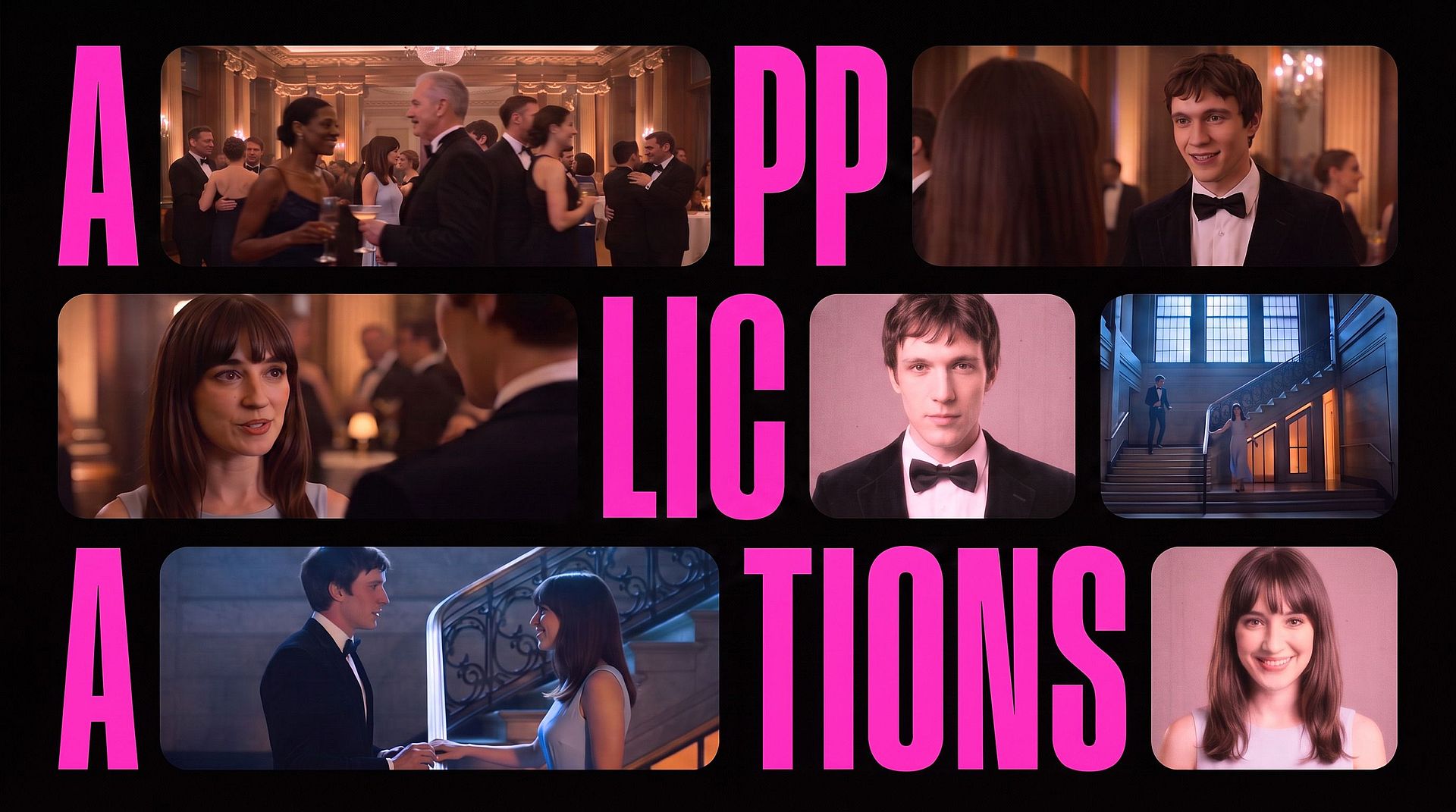
Getting started with OpenArt AI to create professional videos and images is straightforward and designed for users at all skill levels. Begin by selecting your desired project type within the AI creative studio. Whether you want to craft a short film, product ad, or social media content, OpenArt AI’s intuitive interface guides you step-by-step through uploading assets, choosing styles, and customizing elements to suit your vision. This clear setup helps you quickly launch your first project with confidence. To make the most out of OpenArt’s powerful features, leverage AI agents and the Director Mode effectively. AI agents assist by automating creative tasks such as generating storyboards, scripting, or even suggesting edits, while Director Mode allows fine control over longer videos, enabling frame-by-frame adjustments and detailed scene direction. For example, you can use lip-syncing capabilities and motion sync to enhance realism in character animations, making your videos more engaging and professional. Once your content is created, follow best practices for editing and exporting to maintain high quality. Utilize tools like layer extraction to edit elements independently, and apply the various presets in Seedance 2.5 for frame-level detailing. When exporting, choose formats optimized for your target platform—whether it’s 4K resolution for films or compressed formats for faster social media uploads. Keeping these steps in mind ensures your videos and images meet professional standards. If you are ready to dive in, visit the official website to start creating with OpenArt AI. Before making a purchase, it is worth looking for any available exclusive deals to save on your investment.
OpenArt AI is an ideal choice for content marketers who need to create videos quickly and efficiently without sacrificing quality. Its intuitive interface and powerful AI video creator software help streamline the production process, enabling marketers to produce polished promotional content that drives engagement and conversions. Real estate agents can greatly benefit from OpenArt AI by using its eye-catching video ads to showcase properties in a dynamic and compelling way. The AI video maker supports detailed customization and editing features that help turn simple listings into attention-grabbing presentations, increasing prospects’ interest. Social media managers focused on driving engagement through visual content will find OpenArt AI invaluable. With its advanced AI image generation tools and video editing capabilities, creating unique and appealing posts becomes effortless. These features empower managers to maintain a vibrant and engaging social presence with consistent fresh content. If you’re curious about tools ideal for promotional video creation, you might want to explore some exclusive deals to save on your purchase before diving into OpenArt AI’s features at the official website.
OpenArt AI stands out with its user-friendly interface that welcomes beginners while still offering powerful AI models to create stunning videos and images. The platform’s versatile tools support everything from social media content to professional marketing videos, enabling users to customize their projects with ease and precision. For example, many marketers have praised OpenArt AI’s ability to quickly generate eye-catching promotional videos, saving significant production time. However, some users note a learning curve when tackling advanced features like frame-level editing or multilayer image manipulation. While these functions unlock more creative freedom, mastering them requires a bit of patience and practice. Overall, the benefits of OpenArt AI’s robust capabilities and intuitive controls make this learning investment well worthwhile. See what other users are saying and experience the versatility of OpenArt AI yourself—you might want to check for any available exclusive deals before you start. FAQ Q1: What types of videos can I create with OpenArt AI? Q2: Does OpenArt AI offer a free trial, and what are its limits? Q3: Can I use OpenArt AI for multilingual dubbing and lip-sync? Q4: How does OpenArt AI compare with traditional video editing software in ease of use? Q5: What are the system requirements to run OpenArt AI smoothly? OpenArt AI combines advanced AI technology with user-friendly controls to offer a powerful creative studio for video and image content. Whether you’re a marketer, content creator, or business professional, OpenArt AI has tools to elevate your project quality while saving time. Ready to transform your creative workflow? Start your free trial with OpenArt AI now and unlock your creative potential! It is worth looking for the latest discount codes before purchasing to save a bit.
Before you make your final decision, it might be worth checking if there are any active deals or discount codes available — a little extra savings never hurts.What Is OpenArt AI and How Does It Revolutionize Content Creation?
Key Features That Make OpenArt AI Stand Out
OpenArt AI Pricing Plans and What You Get
How to Use OpenArt AI for Creating Professional Videos and Images
Who Should Consider Using OpenArt AI?
Pros and Cons Based on User Feedback and Features
Criteria
Pros
Cons
User Interface
Intuitive and beginner-friendly
Advanced features require practice
AI Models
High-quality, fast video & image creation
Complex tools may overwhelm new users
Tool Versatility
Supports diverse creative needs
Some specialized features need learning
From short social clips and brand promos to explainer videos and real estate showcases, OpenArt AI supports a wide range of video types.
Yes, there is a free trial allowing limited video lengths and access to basic features to explore the platform.
Absolutely—OpenArt AI supports dubbing in multiple languages with optional lip-sync for realistic results.
OpenArt AI’s AI-powered automation simplifies many complex editing tasks, making it more beginner-friendly than most traditional editors.
A modern operating system with stable internet and a capable processor/graphics card ensures optimal performance.