Creating prototypes quickly and effectively while maintaining design consistency is a major challenge for product teams. Magic Patterns addresses this by offering an AI-powered design tool that accelerates the prototyping process, enhances collaboration among team members, and simplifies design system integration.
In this Magic Patterns review, we’ll dive into key features such as AI-driven UI generation, real-time team collaboration tools, flexible pricing plans, robust security measures, and user feedback. This comprehensive overview will help you determine if Magic Patterns fits smoothly into your product development workflow.
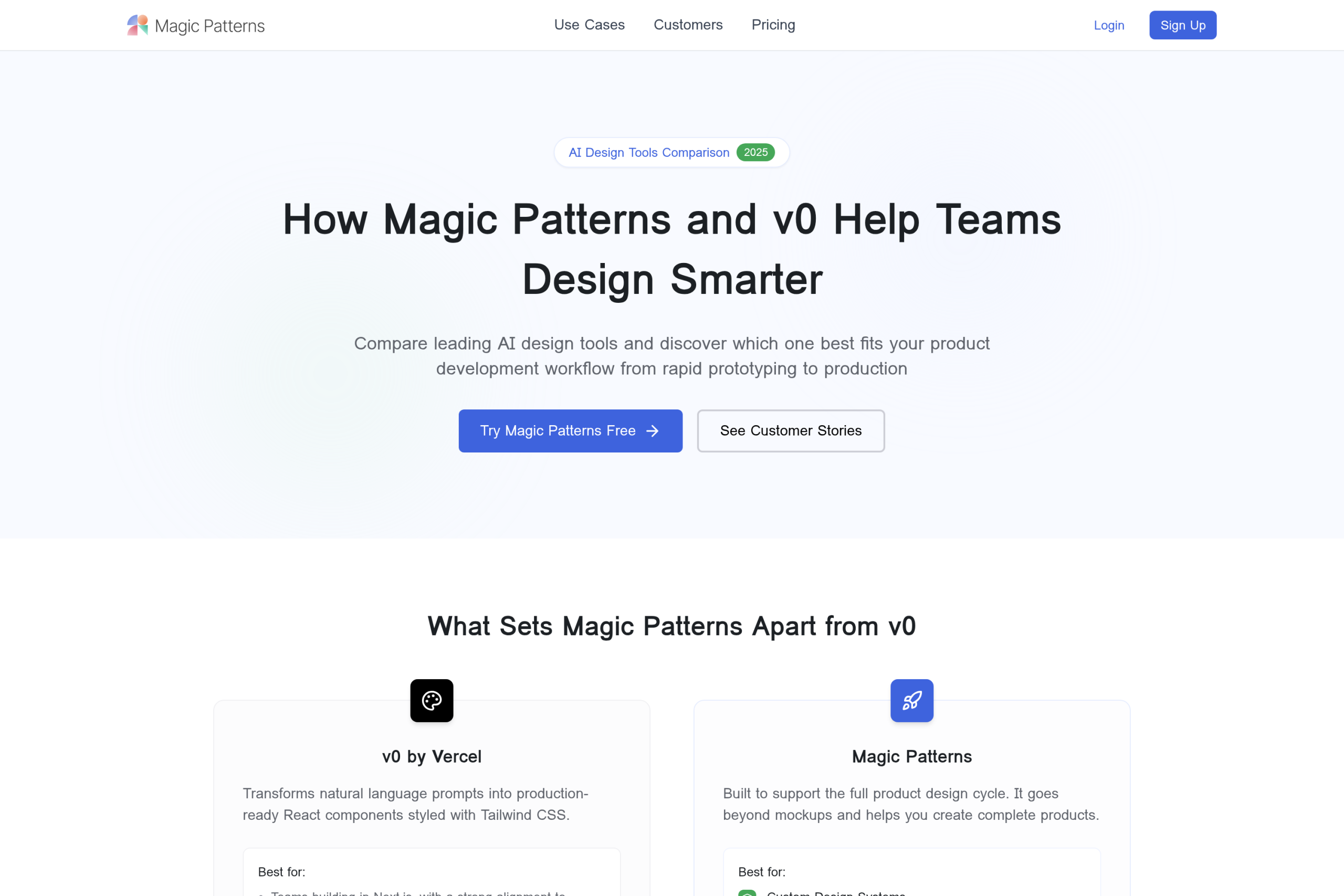
Magic Patterns is an AI design tool tailored for rapid prototyping, empowering product teams to quickly turn concepts into working UI designs. It accelerates the early design process by generating high-fidelity prototypes from simple prompts or feature ideas, saving valuable time usually spent on manual mockups. Using advanced AI, Magic Patterns transforms your input—whether a product requirement or a rough idea—directly into polished user interfaces that look production-ready. This process enables teams to explore multiple design directions before committing resources, making experimentation faster and more efficient. For example, a product manager can input a new feature concept, and within minutes, the tool produces a prototype that stakeholders can review and test. One standout feature is its seamless integration with existing design systems. Magic Patterns respects and applies your current styles, components, and design rules to maintain visual consistency. By importing your design system, the AI generates prototypes that feel native to your product’s look and feel, preventing discrepancies between design and final implementation. This integration supports smoother handoffs between design and engineering teams and keeps everything aligned through iterations. For anyone looking to speed up their product development cycle without compromising quality, Magic Patterns comes across as a robust solution. It’s especially useful for teams aiming to embed rapid prototyping in their workflow while preserving design integrity. To explore more about tools in this space, you might want to check out AI tools for rapid prototyping. Discover all the features and pricing on the official website.
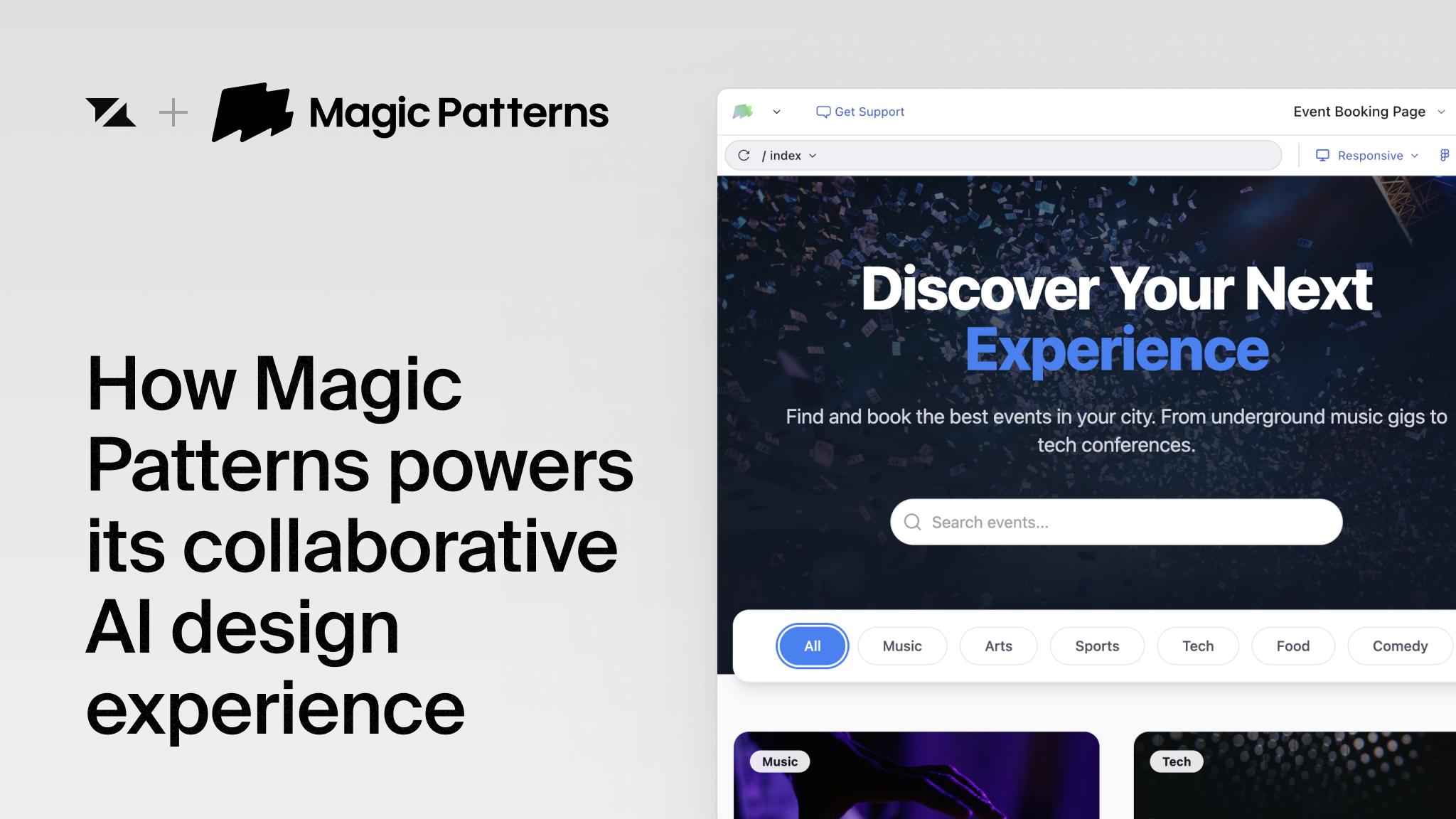
Magic Patterns stands out with its AI-driven high-fidelity UI generator, transforming product ideas and feature concepts into polished, realistic interfaces within minutes. This empowers product teams to explore multiple design directions quickly, accelerating decision-making before committing valuable engineering time. Another core strength is its seamless design system integration. Teams can import existing components, styles, and design rules directly into Magic Patterns, ensuring that prototypes consistently reflect the product’s established visual language. For example, a team can bring in their design tokens and component libraries, letting AI generate interfaces that perfectly match brand guidelines without manual tweaking. Collaboration is enhanced through real-time live editing and sharing. Product, design, and engineering teams can co-edit prototypes simultaneously, collecting feedback instantly and reducing iteration cycles. This feature helps prevent miscommunications and speeds up the feedback loop, enabling faster, more cohesive teamwork. Security is paramount, especially for enterprise users. Magic Patterns meets enterprise-grade security standards, holding certifications like SOC 2 and ISO 27001. This assures product teams that sensitive design data is protected and compliance requirements are met, making it suitable for organizations with strict security policies. If you want to see how these features can streamline your product development, consider starting with Magic Patterns to experiment with their capabilities firsthand. You might also want to check for any available exclusive deals to save on your purchase and make the most of this innovative design tool.
Magic Patterns offers a clear pricing structure designed to fit varying team sizes and project demands. For individual users or small teams, the free tier provides basic access to the platform, allowing users to explore core AI design features and generate prototypes with some limitations on seats and features. This tier is ideal for solo designers or small startups testing out rapid prototyping tools without upfront costs. The Starter plan, priced at $20 per seat per month, expands capabilities significantly. It suits growing product teams that require more seats and advanced features like design system integration and multi-directional prototyping. This tier supports smoother collaboration and lets teams experiment with high-fidelity UI generation at a manageable cost. For scaling product teams, the Business plan at $100 per seat per month adds robust collaboration tools and enterprise-grade security measures. This plan supports complex projects with multiple stakeholders, ensuring secure design processes and compliance requirements are met. Lastly, Custom Enterprise plans are tailored for large organizations needing strict security compliance, such as SOC 2 and ISO 27001 certifications. These plans offer dedicated support and customization options to meet unique business demands, making them ideal for companies prioritizing secure AI design at scale. To explore all details and decide which plan fits your needs best, you can check the full pricing options on the official website.
Magic Patterns excels at accelerating the prototyping process by allowing product teams to generate high-fidelity UI designs in minutes. This rapid prototyping capability significantly shortens design cycles, enabling teams to explore multiple feature ideas before heavy investment. Additionally, its intelligent matching with existing design systems ensures visual consistency, which helps maintain brand integrity across prototypes. Collaboration is made seamless with real-time editing features, allowing designers, engineers, and stakeholders to iterate together without delays. Customers often highlight how this streamlined teamwork improves feedback loops and reduces miscommunication during development phases. One user shared how Magic Patterns turned what used to take weeks into only a couple of days, proving its impact on productivity. On the flip side, pricing might be a consideration for larger teams, as the per-seat plans can add up. However, many find the investment worthwhile given the time saved and improved product quality. There is also a learning curve for users new to AI-driven design tools, but intuitive interfaces and helpful onboarding resources soften this hurdle. Customer testimonials offer real-world proof of these benefits. A product lead mentioned how Magic Patterns enabled rapid pivots by delivering polished prototypes within hours of customer calls. Another founder praised the platform for its ease of use even without technical expertise. These stories confirm the tool’s role in speeding up feedback loops and empowering teams to innovate faster. If you want to dive deeper into how AI-powered design systems can boost your workflow, be sure to explore the related insights. When considering Magic Patterns pricing plans, it’s also worth checking if you can grab a deal before committing so you can maximize value while cutting costs. Visit the official website to explore their collection and see the features firsthand.
Using Magic Patterns for product design and team collaboration streamlines the entire process from initial concept to functional prototype. Start by inputting your feature ideas or product requirements as simple prompts. The AI instantly converts these inputs into high-fidelity, interactive user interfaces, enabling rapid prototyping and early user feedback without heavy manual work. Importing your existing design system into Magic Patterns ensures cohesive output exactly aligned with your brand’s styles and components. This integration means every prototype you generate leverages your established design language, maintaining consistency across all iterations and speeding up the approval process. Collaboration reaches a new level with live shared sessions, where engineers and designers work together in real time. This feature reduces communication gaps and accelerates feedback loops by allowing simultaneous editing and iteration within the same workspace. Teams can quickly align on changes and improve designs collaboratively without waiting for back-and-forth exchanges. Whether you are a product manager, designer, or engineer, Magic Patterns supports seamless integration between roles and tools, promoting an efficient workflow. If you want to experience how it elevates product design and team synergy, consider trying Magic Patterns free today or requesting a demo to see it in action firsthand.
Magic Patterns is ideally suited for product managers and teams who need to accelerate their iteration cycles without compromising on design quality. By quickly turning ideas or feature requirements into high-fidelity UI prototypes, these users can explore multiple design directions and gather feedback faster, streamlining the decision-making process. Startups also benefit greatly from Magic Patterns as a cost-effective and rapid prototyping tool. It enables early-stage businesses to create polished UI concepts without heavy upfront investment in design resources, allowing founders and small teams to validate ideas quickly and pivot as needed with minimal friction. For enterprises, Magic Patterns offers secure, compliant AI-powered design tools that support collaboration across departments. With built-in real-time multiplayer editing and integration capabilities, large organizations can maintain design system consistency, safeguard sensitive data, and foster seamless teamwork throughout the product development lifecycle. You might find it useful to check out the top AI tools for UI design to see how Magic Patterns fits into the broader landscape. FAQ Highlights: Magic Patterns stands out as a powerful, enterprise-ready AI design tool that accelerates prototyping while keeping design consistent and teams connected. Whether you’re a startup founder or part of a large product team, Magic Patterns offers flexible plans and robust features to help you innovate faster. Ready to speed up your product design process? Start building your next prototype with Magic Patterns today. You might want to check for any available discounts first by grabbing some exclusive deals to save on your purchase.
Before you make your final decision, it might be worth checking if there are any active deals or discount codes available — a little extra savings never hurts.What Is Magic Patterns and How Does It Work?
Key Features of Magic Patterns That Empower Product Teams
Detailed Breakdown of Magic Patterns Pricing Plans
Plan
Price
Best For
Key Features
Free Tier
$0
Individuals, Small Teams
Basic prototyping, limited seats
Starter
$20/seat/month
Small to Medium Teams
Design system import, multi-seat support
Business
$100/seat/month
Scaling Teams
Enhanced security, team collaboration features
Enterprise
Custom Pricing
Large Organizations
Tailored security compliance, dedicated support
Pros and Cons of Using Magic Patterns for AI Prototyping
Pros
Cons
Rapid generation of high-fidelity prototypes
Pricing can be steep for large teams
Consistent UI matching with existing design systems
Learning curve for AI design tool newcomers
Real-time collaboration improves team workflow
Some advanced features require time to master
How to Use Magic Patterns for Effective Product Design and Collaboration
Who Should Use Magic Patterns? Ideal Users and Use Cases