Struggling to prototype and iterate your product ideas quickly without compromising design quality? Magic Patterns offers a powerful AI design tool tailored for product teams, making rapid UI prototyping more efficient and seamless.
In this Magic Patterns review, we will dive into its standout features such as AI-driven prototyping, seamless design system integration, team collaboration capabilities, and flexible pricing plans. Discover how this platform can transform your product design workflow and help teams bring ideas to life faster.
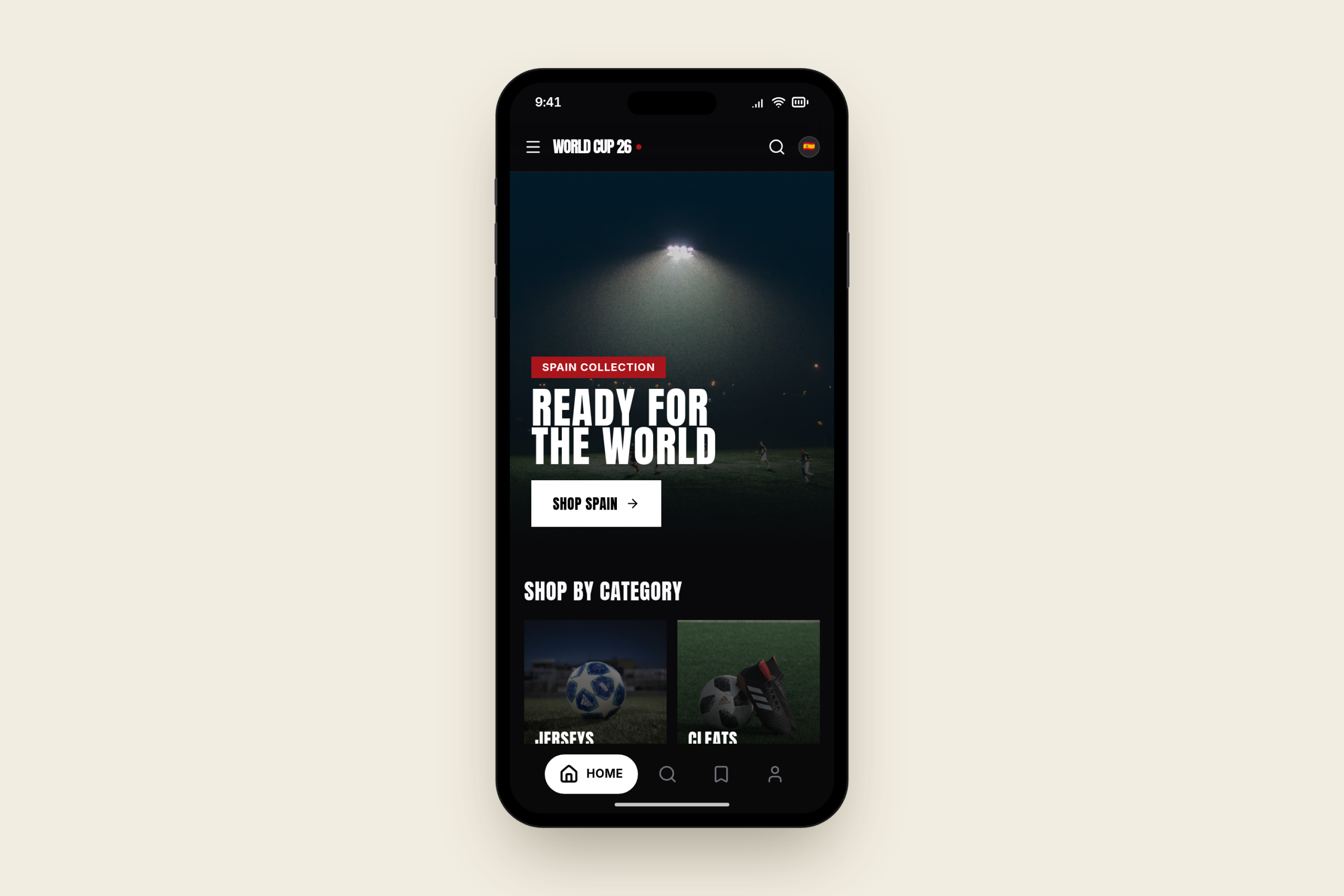
Magic Patterns is an AI design tool created specifically for product teams aiming to accelerate their UI prototyping process. By transforming prompts, product requirements, or initial ideas into polished, high-fidelity interfaces within minutes, it enables teams to explore various design directions before investing in engineering efforts. This quick feedback loop makes it ideal for fast iterations and feature validation. What sets Magic Patterns apart is its ability to seamlessly integrate with your existing design systems. Teams can import their current components, styles, and visual rules so that every prototype stays consistent with the product’s established look and feel. This ensures new feature concepts maintain design integrity without spending extra time on manual adjustments. Furthermore, Magic Patterns fosters collaboration by allowing designers and engineers to work together live on prototypes. It also supports secure and compliant workflows, making it suitable even for enterprise environments. If you want to see how fast you can prototype with AI-powered design, check out the official website to explore their collection of features.
Magic Patterns stands out with its AI-powered high-fidelity prototyping that accelerates feature design without sacrificing quality. Instead of spending weeks on manual mockups, product teams can generate polished UI components from simple prompts, allowing rapid exploration of multiple design directions before engineering kicks in. For example, Toast reduced their design cycle significantly by using Magic Patterns to quickly iterate research-ready prototypes, saving valuable development time. Integration with existing design systems is another key strength. Magic Patterns seamlessly imports your current components, styles, and system rules, ensuring all new prototypes stay consistent with your brand’s visual language. This eliminates the tedious back-and-forth of recreating elements and helps maintain design integrity across projects. Real-time team collaboration tightly connects design and engineering. Multiple team members can simultaneously edit and iterate prototypes, which speeds up feedback loops and reduces miscommunications. This collaborative environment fosters transparency and agility from initial concept to build readiness. On the security front, Magic Patterns is built for enterprise readiness with SOC 2 and ISO 27001 compliance. This means sensitive designs and proprietary information remain protected, so even regulated industries can confidently adopt the tool. If you want to experience these features firsthand, you might want to try Magic Patterns from their official website and see how AI can boost your product team’s workflow.
Magic Patterns offers a free tier designed for individuals or small teams just getting started with AI prototyping. While this tier lets you explore core features like basic UI generation and limited design system import, it comes with notable restrictions such as capped project numbers and fewer collaboration tools. This setup allows users to test the platform’s capabilities before committing to a paid plan. For growing teams, the Starter and Business plans provide expanded functionality. The Starter plan is priced at $20 per seat per month and includes enhanced design system integration, more extensive prototyping options, and basic team collaboration features. Meanwhile, the Business plan runs at $100 per seat per month and unlocks advanced functionalities such as real-time multiplayer editing, enterprise-grade security, and priority support—ideal for product teams needing faster iteration and tighter workflows. For large organizations, Magic Patterns offers custom Enterprise solutions tailored to complex requirements. These plans come with benefits like dedicated onboarding, heightened compliance certifications (SOC 2, ISO 27001), and scalable collaboration tools that support multiple teams working seamlessly on design iterations. This ensures that large product teams can maintain design consistency and speed up feedback loops while meeting strict security standards. If you’re interested in seeing the latest pricing details and selecting the best tier for your team’s needs, visit the official website. It’s also worth checking for any exclusive deals that might help you save on your purchase.
Magic Patterns offers several clear advantages for product design teams, particularly in saving time on feature development. Its AI-powered prototyping dramatically cuts down the hours typically spent creating detailed UI mockups, allowing teams to focus more on refinement and testing. The tool also produces high-quality prototypes that look polished and ready for stakeholder review, which can be a big boost for communication and early feedback. Even non-technical users find Magic Patterns approachable, thanks to its intuitive interface and integration capabilities with existing design systems. This means that product managers or marketers can independently build and test concepts without always relying on designers or engineers, fostering quicker iterations and collaboration. On the downside, the free tier comes with limitations that might feel restrictive for startups or small teams working on multiple projects. The pricing scales per seat and could become a consideration as the team grows or when budget constraints are tight. However, many users consider this an investment well worth the time saved and prototype quality achieved. Real users consistently praise Magic Patterns for its ability to speed up the product development cycle. For example, Toast’s team reported reducing feature design time from weeks to just days using this tool. Another common note from users is the steep learning curve usually associated with design tools is significantly softened here, making it accessible without sacrificing professional-grade output. If you are considering how to make your product design process more efficient, it’s a good idea to check for any available discounts first. This way, you can access this value-packed AI design tool with an added saving, making it an even smarter investment for your team’s productivity.
Using Magic Patterns effectively for rapid prototyping starts with a simple, step-by-step process that transforms your initial idea into an interactive UI prototype within minutes. Begin by inputting a clear prompt describing the feature or product requirement. The AI quickly generates diverse design options, allowing you to explore multiple directions without heavy manual effort. This dramatically speeds up the ideation phase and helps clarify design goals early on. Another key advantage is the seamless import of your existing design system. Magic Patterns lets you bring in your brand’s components, styles, and rules, ensuring every generated prototype stays visually consistent with your established product look and feel. This integration eliminates the need for constant manual tweaking and guarantees alignment across teams. Collaboration is made easy with Magic Patterns’ live editing capabilities. Teams can simultaneously work on prototypes, offer real-time feedback, and iterate quickly. This not only enhances communication between design and engineering but also allows you to gather user insights faster by testing prototypes directly with customers. Such collaboration shortens development cycles and fosters a more agile product design workflow. If you’re ready to experience how quickly you can move from concept to prototype, head over to the official website and start your first project. You might also want to check for any available exclusive deals before committing to a plan to make the most of this powerful AI design tool.
Magic Patterns is especially well-suited for product teams focused on accelerating feature iteration and experimentation. By turning ideas into polished UI prototypes quickly, teams can explore multiple concepts before investing engineering resources, which significantly shortens the feedback loop. For example, companies like Toast have cut weeks of design work down to just a few days using this AI prototyping tool. Startups and enterprises benefit greatly from Magic Patterns as well, thanks to its secure, scalable AI design platform. Its compliance with enterprise-grade security standards like SOC 2 and ISO 27001 allows organizations to confidently integrate Magic Patterns into their design workflows without risking data exposure. This makes it a reliable choice for teams with strict governance needs looking to maintain consistency across design systems. Designers and engineers also gain from collaborative features that enable real-time co-editing of live prototypes. This seamless teamwork reduces hand-off delays and fosters more efficient iterations, bridging the typical gap between design and development. If you want to dive deeper into how teams work together effectively, consider exploring collaborative design tools for product teams to complement your workflow. Overall, Magic Patterns offers a robust AI design platform that helps product teams prototype faster, collaborate seamlessly, and maintain design consistency — all while meeting enterprise security standards. Ready to turn your ideas into high-fidelity prototypes with ease? Get started with Magic Patterns today and experience rapid UI design powered by AI. Before you dive in, it might be worth looking for exclusive deals to save on your purchase.
Before you make your final decision, it might be worth checking if there are any active deals or discount codes available — a little extra savings never hurts.What Is Magic Patterns and How Does It Work?
Key Features of Magic Patterns That Empower Product Teams
Pricing Plans and What You Get With Each Tier
Pros and Cons of Using Magic Patterns for Product Design
Pros
Cons
Saves significant time per feature
Limited free tier for extensive use
High-quality, production-ready prototypes
Pricing may be a challenge for small teams
User-friendly for non-technical team members
Costs add up with growing team size
How to Use Magic Patterns Effectively for Rapid Prototyping
Who Should Use Magic Patterns? Ideal Users and Use Cases